The Voice of Romance Writers
Romance Writers of America® (RWA) is a nonprofit trade association whose mission is to advance the professional and common business interests of career-focused romance writers through networking and advocacy and by increasing public awareness of the romance genre.
RWA is committed to providing all of its members with an environment free from discrimination and harassment. RWA does not discriminate against or allow harassment of any member based on race, ethnicity, religion, color, sex, age, national origin, sexual orientation, disability, gender identity or expression, ancestry, pregnancy, or any other basis prohibited by law. In order to create a safe and respectful environment, discrimination and harassment of any sort is prohibited in RWA.
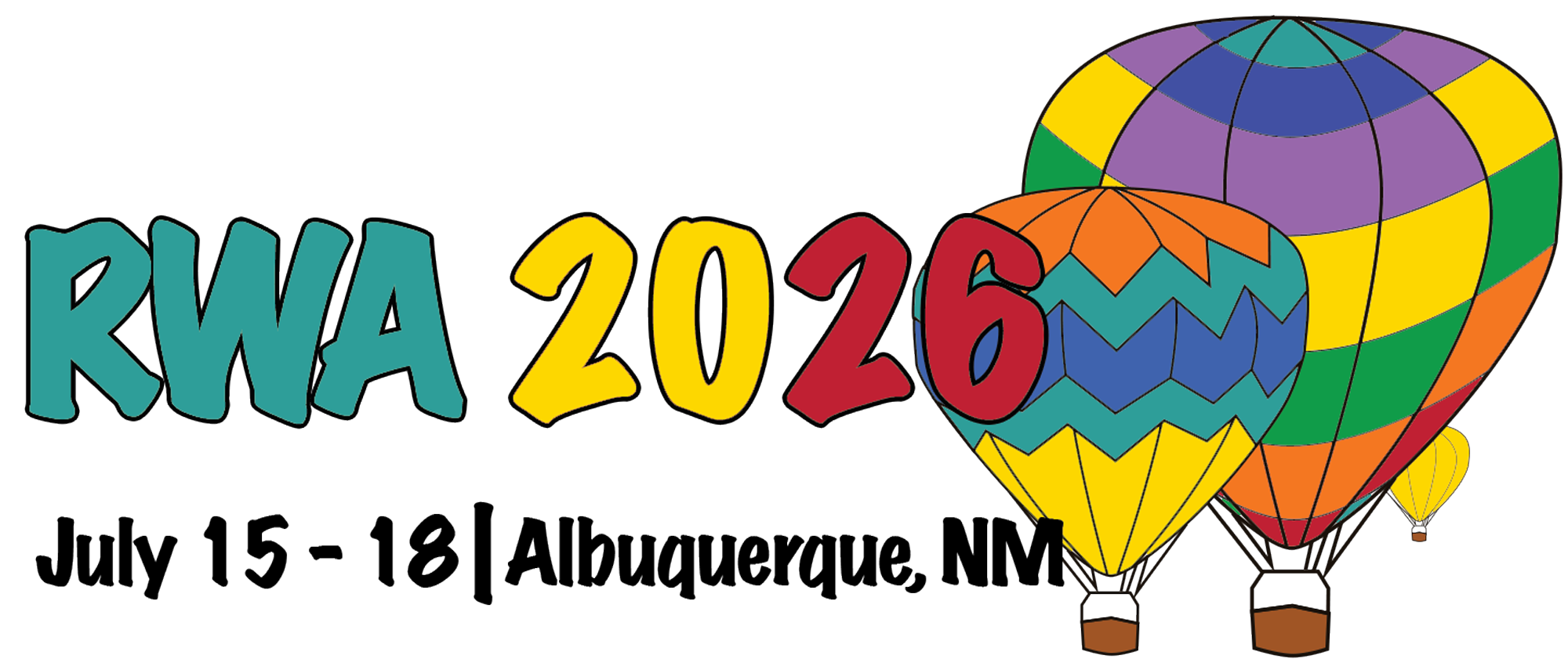
RWA 2026 Conference
July 15–18, 2026
Mark your calendars! The RWA 2026 Annual Conference is headed to Albuquerque, New Mexico, and it’s never too early to start planning your trip.
RWA University
Have a tip, guide, or workshop idea to share with romance writers? Submit your Author Survival Guides, Writing for Writers Guides, 2-Minute Tips, or Workshop proposals to RWA University today. Click the RWA University logo for details!
The Romance Author Mentorship Program (RAMP)
Lift Up the Next Generation of Romance Authors!
RAMP mentors help prepublished writers polish manuscripts, prepare submissions, and build their confidence. Ready to give back? Click the logo for details.
The Diamond Heart®
Sign up to judge the Golden Heart and Diamond Heart Awards and help recognize excellence in both published and unpublished romance. We’re seeking experienced readers and professionals with a passion for happily-ever-afters, a commitment to fair and thoughtful critiques, and a willingness to uphold RWA’s core values.
The Golden Heart®
Sign up to judge the Golden Heart and Diamond Heart Awards and help recognize excellence in both published and unpublished romance. We’re seeking experienced readers and professionals with a passion for happily-ever-afters, a commitment to fair and thoughtful critiques, and a willingness to uphold RWA’s core values.

Traditional Author Weekend Virtual Conference
Get Ready! Traditional Author Weekend is Coming – Saturday, January 24, 2026!
Important Dates and Candidate Requirements
Members interested in running for a Board position must declare their intent to run by completing and electronically submitting an Election Certification Form, by June 23, 2025. Submit questions about running for the Board of Directors through the CONTACT US form. Learn more.